Wireless charging is one of those conveniences that, once you try it, is hard to give up. Setting your phone down on a cradle removes cable hassle and reduces wear on the charging port. The problem is that not every phone ships with wireless charging built in, especially in the midrange and budget tiers.
If your phone lacks built-in wireless charging, you are not entirely out of options. This guide explains how to enable wireless charging on virtually any phone, what products actually work, and what to watch for so you can do it safely.
How Qi wireless charging works?
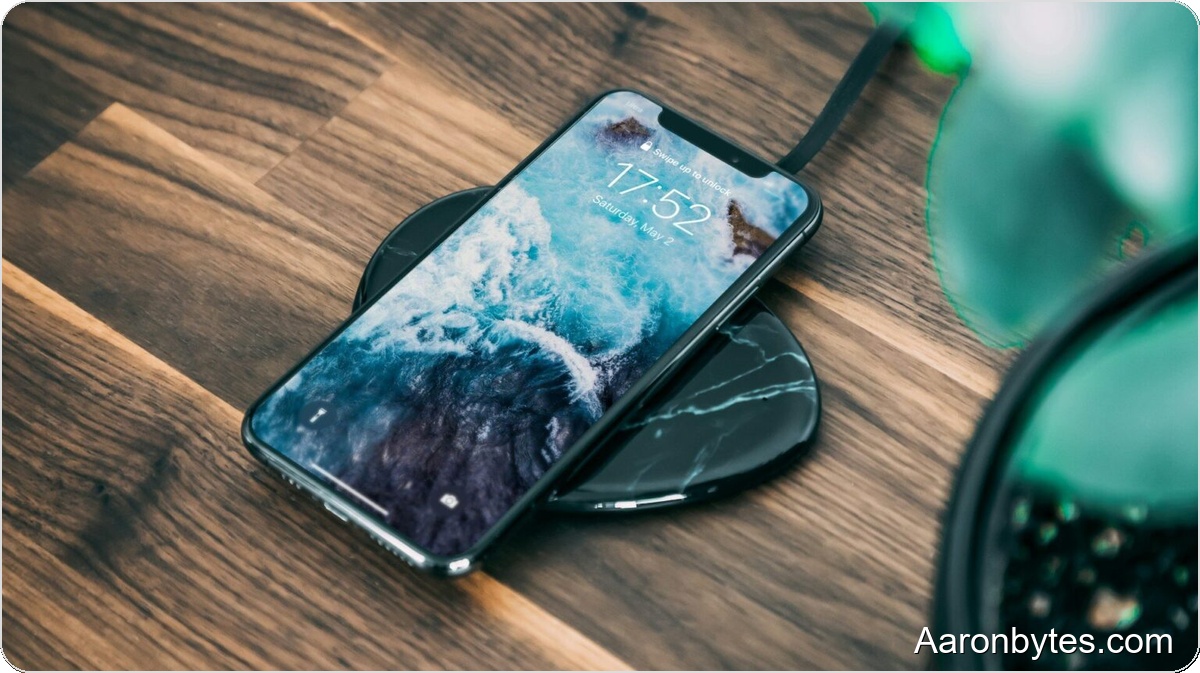
Wireless charging generally uses electromagnetic induction, most commonly following the Qi standard. A wireless charger creates a magnetic field that a coil on the phone picks up and converts into electricity to charge the battery.
The Qi ecosystem has been around for years and is widespread. According to the Wireless Power Consortium, more than 3,700 products use the Qi standard, including phones, tablets, and other devices.
First: check whether your phone already supports Qi
Before you try to “activate” anything, make sure your phone does not already support Qi wireless charging. Many models include the hardware but you simply never used a compatible dock.
The quickest route is a manual check using your phone’s documentation or our compatibility list. If your phone is compatible, all you need is a Qi pad or stand and the phone will charge when placed on it.
Can you actually enable wireless charging on a phone that didn’t ship with it?
Important distinction: you cannot flip a hidden software switch to add wireless charging if the hardware isn’t present. There is no setting, app, or secret code that adds Qi where there’s no coil.
What you can do is add an external Qi receiver. These receivers are very thin accessories that plug into your phone’s charging port and act as the coil a Qi pad needs. It is not magic, but it is effective.
What a Qi receiver is and why it works
A Qi receiver is a thin, flexible film that sits against the back of the phone and plugs into the phone’s USB-C, microUSB, or Lightning port. The film captures the magnetic field from the wireless charger and delivers power into the phone through the port.
In short, the accessory turns a regular phone into one that supports wireless charging, with some caveats discussed below.
What you need to add wireless charging to any phone?
You need two things for a working setup:
- A Qi receiver compatible with your phone’s connector type.
- A Qi wireless charger, either a flat pad or a vertical stand. Receivers rarely include the charger.
Both items are easy to find and typically cost under 20 euros each.
Step-by-step: installing a Qi receiver
Installation is straightforward and requires no technical expertise, but it should be done carefully:
- Power off the phone for safety.
- Plug the Qi receiver into the phone’s charging port.
- Remove the protective film from the receiver’s adhesive side.
- Center the receiver film on the back of the phone.
- Make sure the film is flat and not folded or pinched.
- Place the phone on the wireless charging pad.
If positioned correctly, the phone should begin charging automatically.
Does it work with cases?
In most cases, yes. Thin silicone or TPU cases usually pose no problem. Very thick cases or cases with metal components can interfere with charging.
If charging stops, is very slow, or does not start, remove the case to determine whether it is the cause.
Is this safe?
Short answer: yes. Qi receivers use the same standard as phones with built-in wireless charging. Quality accessories will not harm the battery or create unusual risks.
Keep two points in mind: wireless charging is less efficient than wired charging and it can run slightly warmer. Avoid charging in very hot or poorly ventilated places.
How fast is “forced” wireless charging?
Speed depends on the receiver and the wireless charger. Many basic receivers are limited to 5W or 10W, so charging will be slower than a fast wired charger.
Some receivers and chargers support faster wireless rates, but even then they typically cannot match good wired charging speeds. This setup is best for overnight charging, a desktop dock, or avoiding constant cable plugging and unplugging.
Does wireless charging consume more power?
Yes, slightly. Wireless charging is less efficient, so it draws a bit more energy than wired charging. The trade-off is convenience and reduced wear on the device’s charging port.
Does it emit more radiation?
No. Qi wireless charging uses a low-frequency, low-power electromagnetic field. Emissions are well below international safety limits and are lower than many common household devices.
Limitations to know before you try it
This solution works but is not perfect. Be realistic:
- You won’t be able to use the phone comfortably while charging, unlike with a cable.
- The charging port will be occupied by the receiver.
- Charging is less efficient and usually slower.
- Some specific phones are not compatible with Qi receivers.
Despite these limits, many users find the convenience worth it.
Is it worth adding wireless charging to any phone?
If your phone lacks built-in wireless charging and you want to try the convenience without replacing the device, it is worth doing. The approach is inexpensive, reversible, and low risk if you use reputable accessories.
If you plan to replace your phone soon, choosing a model with integrated wireless charging is the cleaner option because factory integration will always perform better.
For those who want cable-free convenience and don’t mind the trade-offs, adding a Qi receiver is a practical and useful alternative. Just pick quality parts and understand the limits.