We’ll show three quick methods to find out — plus a simple, inexpensive trick to add wireless charging to phones that didn’t ship with it.
Quick history and why this still matters
Wireless charging for phones has been around longer than many realize. As early as 2009, the Palm Pre supported wireless charging via Palm’s Touchstone system. Still, it took years for the technology to reach a broad range of devices, and even now, not every phone includes it. If you recently bought a wireless charger and nothing happens when you place your phone on it, it may simply be that your phone lacks wireless charging hardware. Unlike a charging port, that capability isn’t always visible from the outside.
How does wireless charging work?
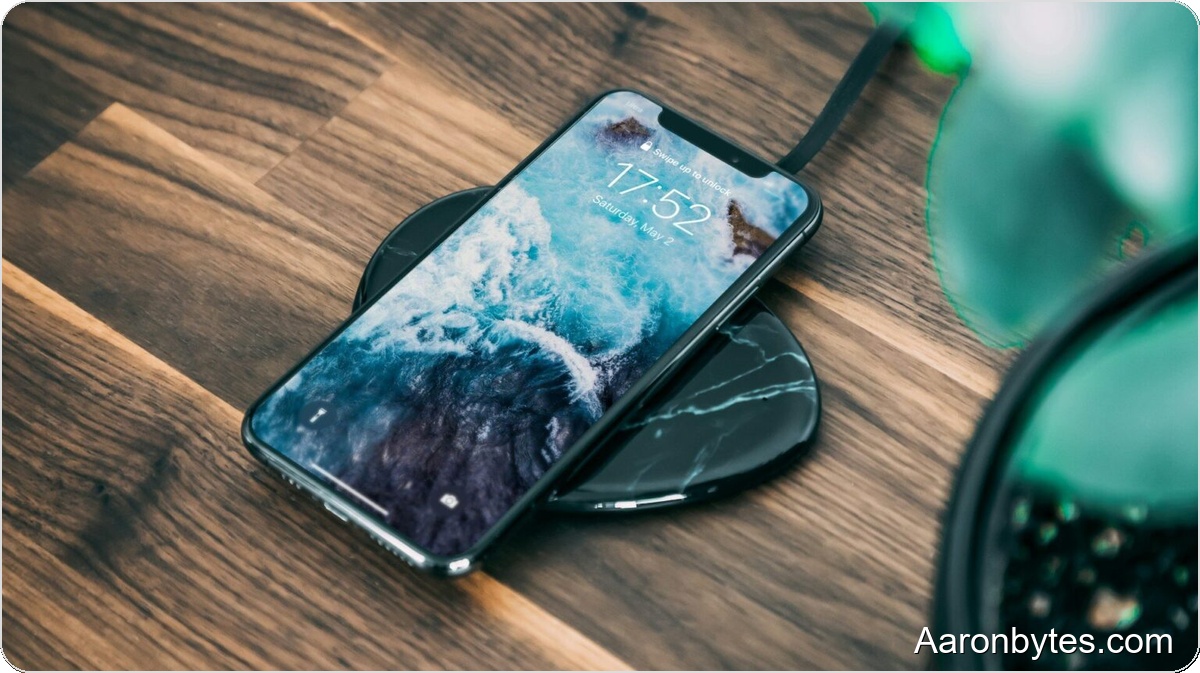
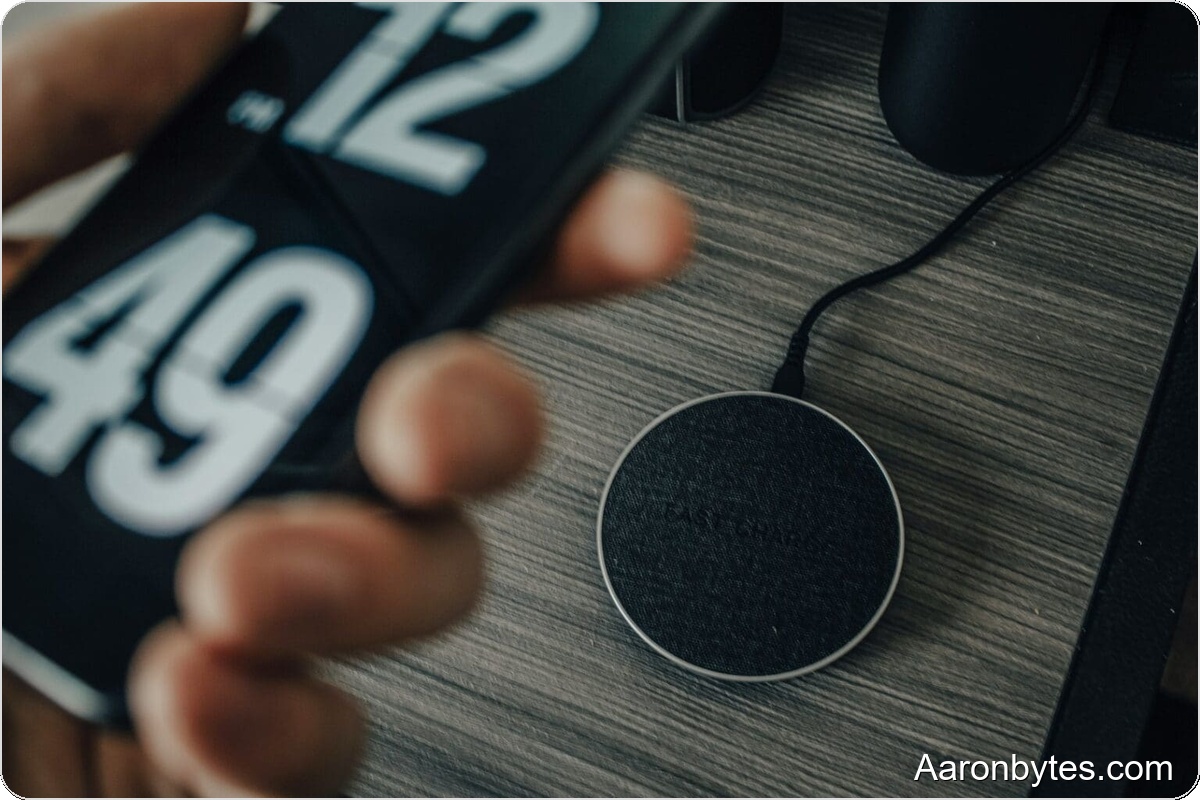
Wireless charging relies on electromagnetic induction. A copper coil in the charging pad creates a magnetic field that couples with a matching coil inside the phone. When the coils are aligned, that magnetic field induces current in the phone’s coil, which the phone converts to charge the battery. Because metal blocks or distorts the magnetic field and can produce extra heat, most phones with wireless charging have glass or plastic backs rather than metal.
Keep in mind that wireless charging is typically slower than wired charging and generates more heat because some energy is lost in transmission. Proper alignment between the pad and the phone is important to maximize efficiency and avoid extra heat.
Method 1 — Check the box or official documentation
The fastest, most straightforward option is to check the phone’s retail box or the official user manual for Qi or wireless charging support. Look for terms like Qi, Wireless Charging, or MagSafe (Apple’s magnetic system built on Qi standards). If you still have the box, the manufacturer often lists wireless charging under the battery or charging specs.
Method 2 — Look up the model in Settings and check spec databases
If you no longer have the box, find the phone’s model or serial number and verify the specs online. On Android, open Settings and tap About phone to see the model name and serial number. On iPhones, go to Settings > General > About for the model name and serial number.
Search for that model on a reliable specs database such as GSM Arena. On GSM Arena, open the phone’s spec sheet and scroll to the Battery section. If the Charging row lists Wireless, Qi, or MagSafe, the phone supports wireless charging. For iPhones, models from iPhone 8 onward, including iPhone SE (2nd and 3rd generation), support wireless charging; iPhone 7 and earlier do not.
Method 3 — Use an app that detects wireless charging hardware
If you prefer a hands-off check, install a dedicated app such as Wireless Charging Checker. After installation, follow the app’s prompts and tap the check button. The app reads your device’s hardware capabilities and reports whether wireless charging is supported. For example, a phone like the Realme 9 Pro 5G does not include wireless charging, and such an app will report that accurately.
What to do if your phone doesn’t support wireless charging?
If your phone lacks built-in wireless charging, all is not lost. You can add the feature with a thin external Qi receiver. These receivers are usually a slim pad or flexible film that plugs into your phone’s USB-C or Lightning port and adheres to the back of the phone under or over a case. Once connected, the receiver provides the coil and circuitry the phone needs to accept power from a wireless pad.
External receivers are inexpensive and an effective way to get wireless convenience on older or budget phones. Be mindful of build quality: a certified Qi receiver from a reputable maker will deliver better safety, efficiency, and longevity than a very cheap, unbranded unit.
Pros and cons of wireless charging
Benefits: Wireless charging removes the need to plug in a cable, reduces wear on charging ports, and allows multiple devices to charge on a single pad. It’s especially handy on desks and nightstands where you regularly set down your phone.
Drawbacks: It’s usually slower than wired fast charging, can produce extra heat that may affect charging efficiency and battery longevity, and requires correct alignment between the pad and phone coil. Using certified chargers and following manufacturer guidance helps minimize these issues.
The future
Most manufacturers now support the Qi standard, and the newer Qi2 standard adds magnetic alignment similar to Apple’s MagSafe. Ongoing research aims to improve charging speed, efficiency, and range, including long-range wireless charging and integration of charging coils into furniture and work surfaces. Until the technology becomes truly universal, external Qi receivers remain a practical, low-cost option to add wireless charging to phones that didn’t ship with it.
Three checks you can do in under a minute
1) Check the phone box or manual for Qi, Wireless, or MagSafe.
2) Find your model in Settings and verify the specs on a trusted site like GSM Arena.
3) Install a wireless-charging checker app to detect the hardware. If those steps show your phone doesn’t support wireless charging, consider a thin external Qi receiver that plugs into USB-C or Lightning as an affordable workaround.