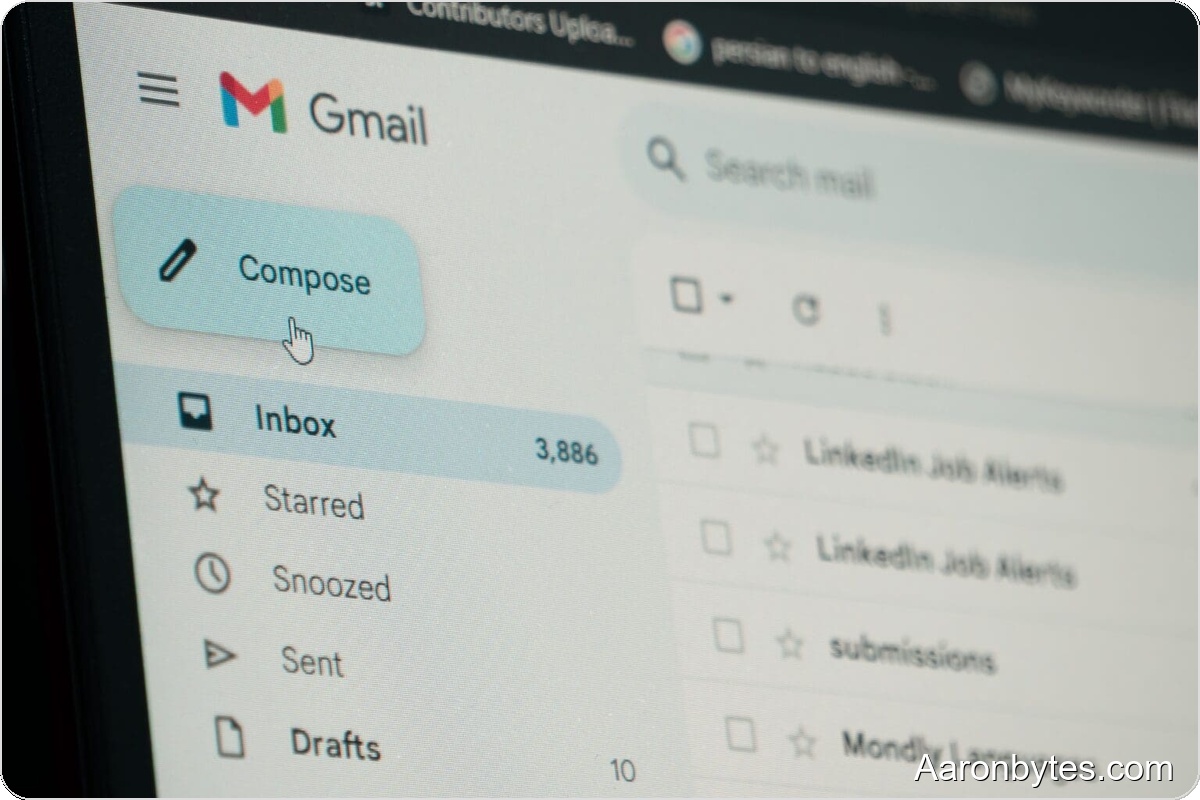
For years, anyone stuck with an @gmail.com address chosen in their teens had little recourse short of creating a new account. Google long allowed switching the address attached to a Google Account only if you used an external email, like a corporate address. If your login ended in @gmail.com, it was permanent. That changes now.
Google has begun rolling out a feature that lets some users change their @gmail.com address without losing the account or its messages. Your old address becomes an alias, so mail sent to it still arrives in the same inbox. That makes this a low-friction way to move on from an embarrassing username, preserve continuity with services you have not updated, and keep emails from friends and subscriptions flowing.
There are limits. You can make this change only once every 12 months and at most three times total, so pick your new username carefully.
How to change your Gmail address, step by step?
The process works on desktop and mobile. 9to5Google lays out Google’s official steps:
- Sign in at: myaccount.google.com/google-account-email.
- Open the sidebar and go to Personal info.
- Click the Email card.
- Under the Google Account email, choose Change your Google Account email.
- Enter the new username you want to use.
- Confirm by clicking Change email address.
Follow the verification prompts Google provides. Within minutes, your account will have the new Gmail address and your messages will remain intact.
Minor side effects to expect
Google warns that some settings may revert after you change your username. Examples include custom Gmail backgrounds, certain visual preferences, and chat card details. Nothing major is lost, and these options can be reconfigured afterward.
The feature is rolling out gradually, so it may not be available on every account yet. If you don’t see the option today, it should appear in the coming weeks.
Other things to consider
This change helps anyone wanting to ditch an awkward username, align an address with a new legal name, or better match a professional identity. It does not apply to Google Workspace accounts managed by organization administrators.
After changing your address, check services and accounts where the old email was used and update contact information as needed. That includes social networks, subscription services, and other sites that rely on your email for communication.
Also, make sure your new username complies with Google’s policies, which bar misleading names and those that infringe on others’ rights.
Bottom line
Being able to change an @gmail.com address without losing mail is a meaningful quality-of-life improvement. As the rollout continues, more people will be able to update their digital identities without the hassle of a full account migration.