
Microsoft has been quietly improving the Xbox app on Windows since it first arrived in 2015, and now it is rolling out a major redesign that brings the app much closer to the console experience.
The biggest change is a Full Screen Experience, or FSE, which replaces the standard Windows desktop with a game-focused environment. The interface mirrors an Xbox console home screen and is optimized for controller navigation, letting players browse libraries, launch games, and switch between titles with a gamepad.
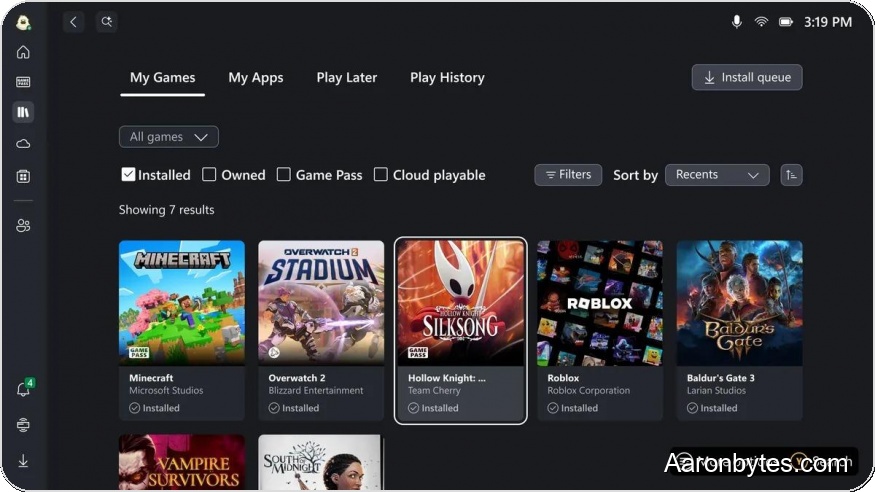
The updated Xbox app now aggregates games from multiple storefronts. It can surface titles from the Microsoft Store, Xbox Game Pass, Steam, Epic Games Store, GOG, and Battle.net, so users can find everything in one place without having to jump between launchers.
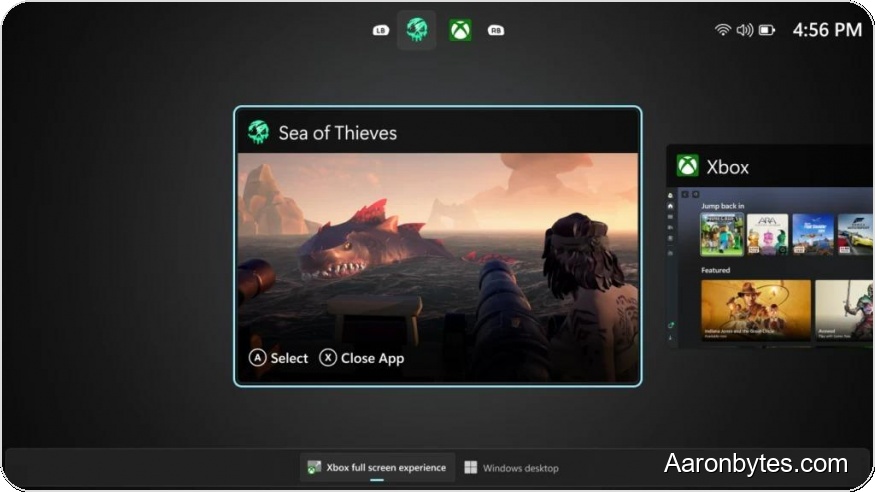
FSE also goes beyond a visual makeover. When you run the Xbox app in full-screen mode, Microsoft says it will suspend unnecessary Windows processes to free up system resources for gaming. The company claims this can free up to 2 GB of RAM and reduce system overhead by as much as 30 percent, which should help improve frame rates and stability in games.
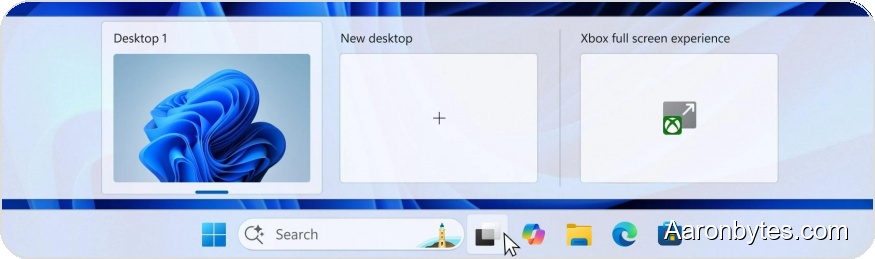
Users will be able to enable FSE in the Xbox app settings, and there is an option to launch it automatically when the PC starts. Turning the mode off will restart the suspended Windows processes and return the machine to the regular desktop experience.
The new Xbox app variant was previously available only on handhelds with displays under 10 inches, but Microsoft is expanding access to all Windows 11 users.
The updated app is already available to members of both the Windows Insider and Xbox Insider programs (registration in both programs is required). Microsoft expects the public release to arrive sometime after the New Year.