When you start building a smart home, the first question is always which platform to pick. For many, the safe bets are Google Home, Amazon Alexa, or Apple HomeKit. Power users often turn to Home Assistant. Samsung’s SmartThings sits a bit to the side — widely seen as a Samsung-first ecosystem. That reputation misses the point.
SmartThings doesn’t try to connect every possible device. Instead, Samsung selects products for its ecosystem, and that curation can be a strength. Fewer random integrations mean you can focus on the automations that actually matter.
What a real SmartThings home look like?
We saw a working SmartThings setup firsthand in a test apartment in Prague. On the surface, the place looked like any other apartment, which is the point — good smart homes are meant to fade into the background. But the demos quickly revealed where the system’s value lies.
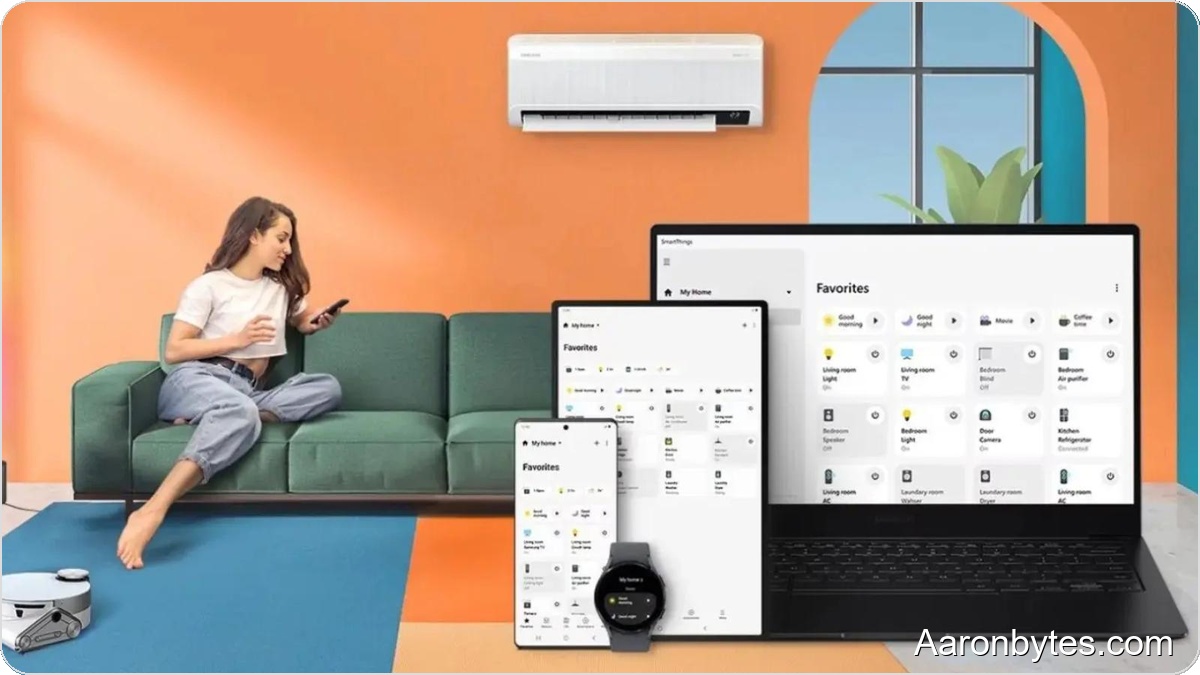
The apartment used SmartThings to control a range of appliances: washer and dryer, refrigerator, microwave, cooktop, robot and upright vacuums, and lighting. Everything was managed from the SmartThings mobile app, available on both Android and iOS. The app’s design is clean and intuitive — in our view, it looks better than Apple Home and Google Home.
Adding new devices is straightforward. Bring your phone close to a compatible product, and a dialog walks you through pairing. Once added, you can view and control your home in a 3D overview from anywhere.
Automations, not just remote control
Smart home setups aren’t just about switching appliances on and off remotely. The real advantage comes from automations and schedules, and SmartThings leans into that. The platform can use AI suggestions to help lower your energy bill by proposing efficient routines.
For example, SmartThings can detect when you leave and shut off devices that would otherwise waste power. It can also trigger a robot vacuum to clean once everyone has gone, so you don’t come home to noise. The system works the other way too: when you’re approaching home, it can pre-cool the apartment and have the climate ready on arrival.
Morning routines are easy as well. Move to the living room, and the TV can start playing your morning news. The TV can also surface alerts, such as a finished laundry cycle or a completed dishwasher run.
Routines are customizable in-app or can be suggested by SmartThings, which helps when you add a new appliance and haven’t yet decided how to fold it into daily life.
Built-in hub and creative use cases
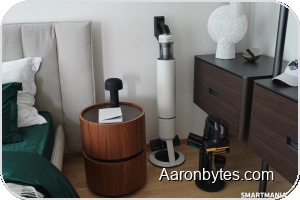
Unlike many smart-home systems, SmartThings does not require a separate hub device for connecting products. That functionality is integrated into Samsung products, simplifying setup.
There are creative ways to exploit the routine engine. A Galaxy SmartTag 2 can track a pet so it does not wander off, trigger a smart feeder at feeding time, and let you check via an integrated camera that the pet actually ate. You can dim lights and play relaxing music before bed, or create an immersive lighting and audio scene for a weekend of gaming.
Standards, integrations, and privacy
SmartThings supports a broad set of devices beyond Samsung-branded gear. The SmartThings app can connect to Matter-compatible smart devices, and appliances and TVs that meet the HCA standard can be controlled through the app, regardless of brand. Samsung also protects devices and data with Knox security.
The platform offers voice control beyond Samsung’s Bixby, integrating with assistants such as Gemini and Amazon Alexa so you can operate your home hands-free.
Bottom line
If you are weighing options for a smart-home platform, SmartThings deserves consideration. It’s not just a Samsung silo — it’s a polished, secure system with strong automation features, broad third-party compatibility, and a clean mobile app.