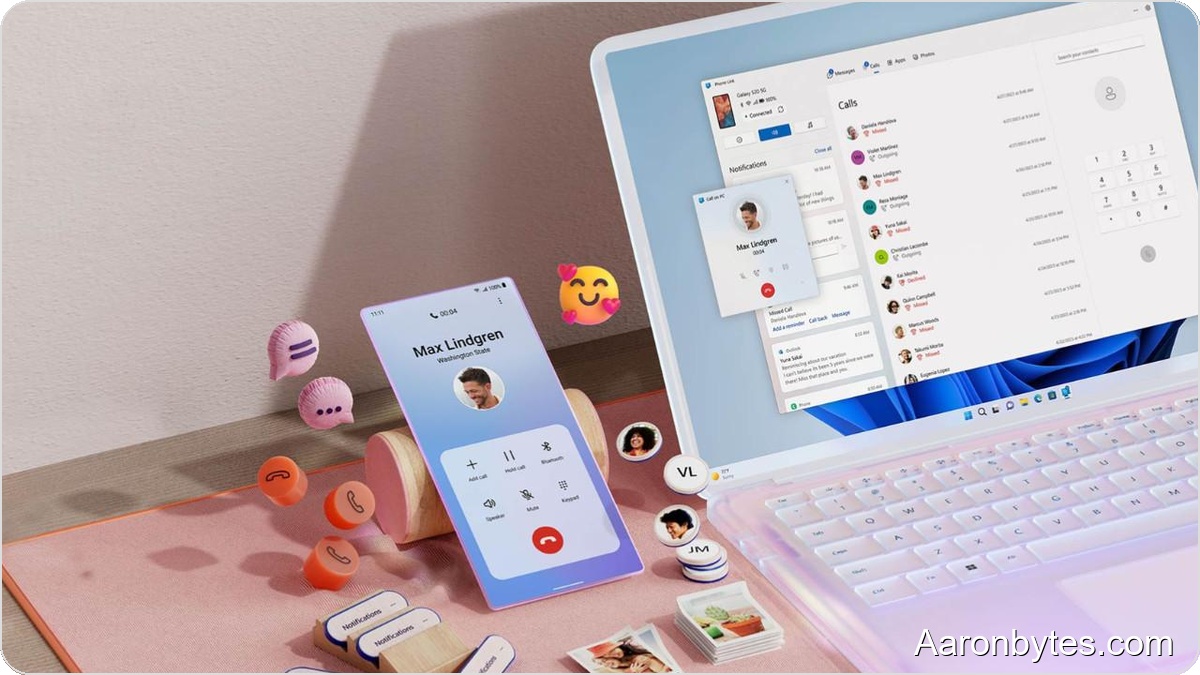
One of Apple’s strengths is seamless device cooperation inside its ecosystem. Microsoft is closing that gap for Windows and Android with a practical update to its built-in Phone Link app.
Phone Link already handles a long list of tasks: placing and answering phone calls from your PC, managing SMS threads, showing recent phone photos, syncing notifications, and, for some devices, mirroring the phone screen on a Windows display. The latest update adds a universal clipboard that moves content between Android and Windows without extra steps.
How to enable and use it?
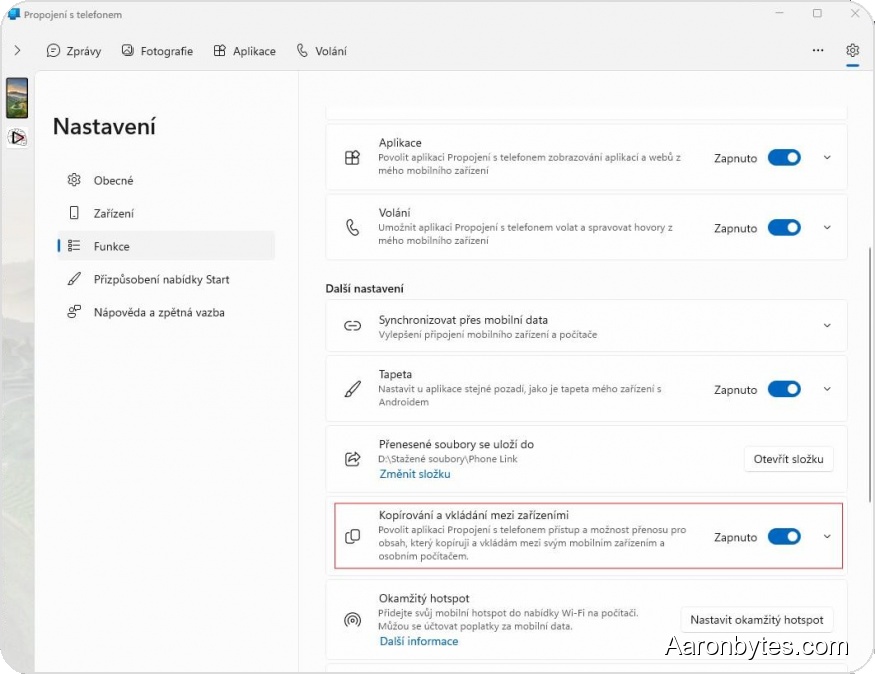
To use the feature, you need the Phone Link app installed on both Windows and Android and signed into the same account. The function is not enabled by default; turn it on in Windows under Settings – Features – Copy and paste between devices.
Once activated, copy on one device and paste on the other like you normally would. Copy text on Windows and paste it into any Android app using the standard paste method. The phone requires no special keyboard or extra action; copied text is immediately available to paste.
Supports images too
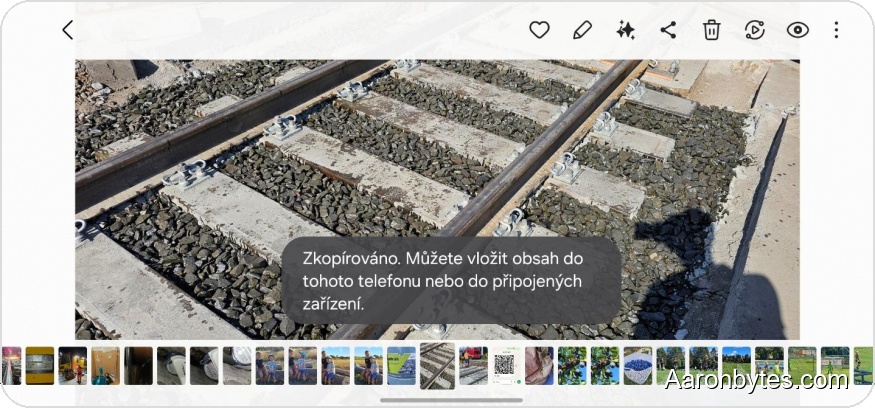
The clipboard works both ways. Copy on Android and paste on Windows with Ctrl+V, or copy on Windows and paste to the phone.
It transfers not only text but also images. That means you do not need to email a photo to yourself or use file transfers; copy the image on your phone and paste it straight into a PC app, or vice versa.
Reliability and limitations
In testing, the universal clipboard proved reliable and useful. The only notable caveat is that images may take a moment to synchronize through the cloud before they become available for pasting on the other device.