Wireless charging is everywhere now: flagship phones, many midrange models, and even add-on receivers for devices that didn’t ship with it. Still, one question keeps coming up: does wireless charging harm a phone battery?
Short answer: no. But like most tech topics, there are nuances. Below we debunk myths, explain what actually happens during wireless charging, and give practical tips to keep your battery healthy.
How wireless charging actually works?
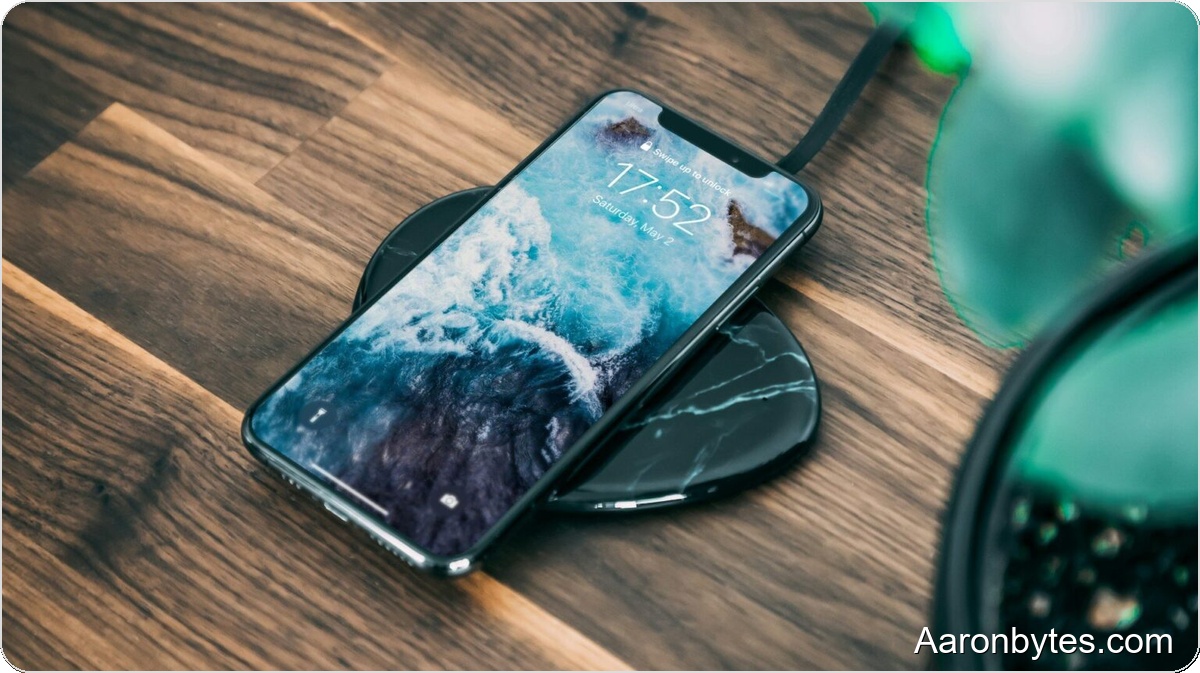
Modern wireless charging uses the Qi standard and electromagnetic induction. Both the charger and the phone have copper coils. When you set the phone on the pad, the charger creates a magnetic field that induces current in the phone’s coil, which is then used to charge the battery.
There’s nothing mystical or dangerous about it. It’s simply a different way to move electricity.
Does wireless charging wear a battery out faster than a cable?
All lithium-ion batteries degrade with use, regardless of whether you charge them with a cable, wirelessly, or with fast charging. Degradation depends mainly on the number of charge cycles, temperature, time spent at 100 percent, and deep discharges below roughly 10 to 15 percent.
Wireless charging itself does not cause significant additional wear. The main concern is that it can produce slightly more heat than wired charging, and heat is a primary factor in battery aging.
Does wireless charging actually generate more heat?
It can, especially if the phone is misaligned on the pad. Inductive transfer has small energy losses that show up as heat, so wireless charging tends to be warmer than wired charging.
That said, certified chargers regulate output, and phones monitor internal temperature. If the phone detects excessive heat, it will slow charging down. The system is designed to protect itself.
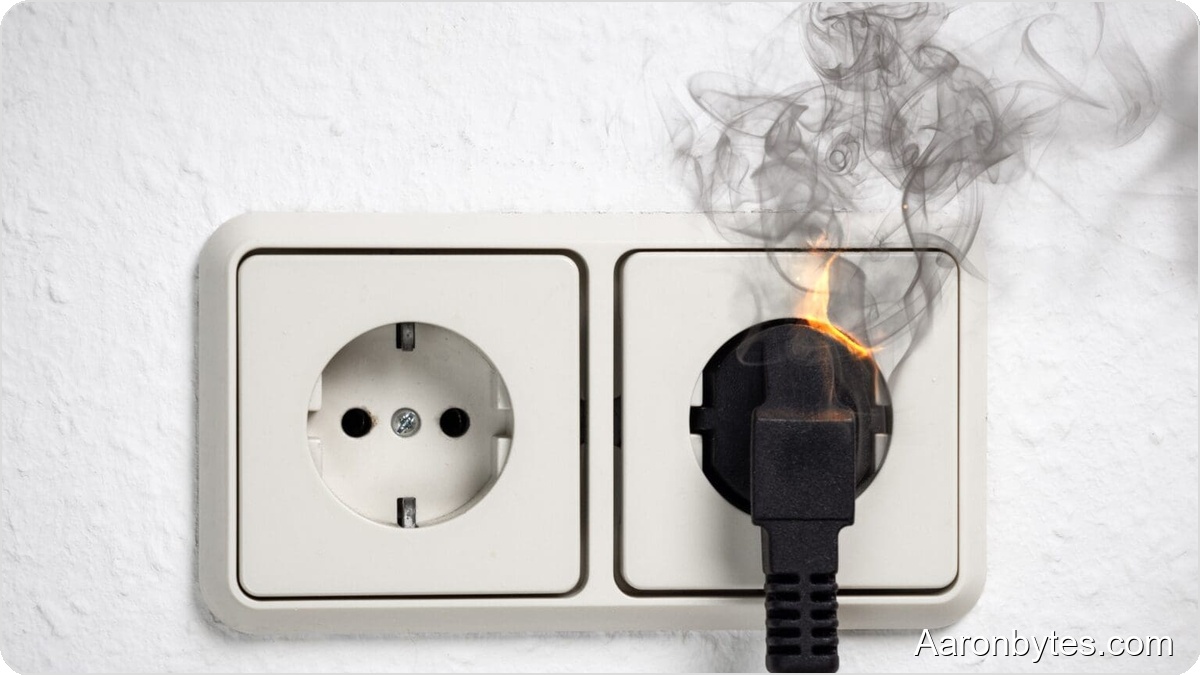
Problems arise when you use cheap, uncertified chargers or charge the phone on heat-retaining surfaces like a blanket or inside a very thick closed case.
What actually damages a battery?
Common practices that do more harm than wireless charging include frequent full discharges to 0 percent, keeping the phone at 100 percent for many hours daily, heavy use while charging (gaming, 4K recording), and exposing the phone to high temperatures like direct sun or a hot car interior.
Interestingly, wireless charging can help in some cases. Because it’s convenient, many users top up briefly throughout the day and keep the battery between roughly 40 and 80 percent, which is one of the healthiest ranges for lithium cells.
Is charging overnight a problem?
Most phones today include an smart charging feature that learns your habits. If you usually wake up at 7:00 a.m., the phone will charge to 80–90 percent and finish to 100 percent shortly before your alarm.
This feature works with both wired and wireless charging. The practical rules are simple: use certified chargers, don’t cover the phone while charging, and avoid very hot environments. Follow those and overnight charging should not be an issue.
Is wireless charging slower than wired?
That depends. Compared with a 120W wired charger, wireless will be slower. Modern wireless charging, however, now reaches 15W, 30W, and in some cases higher.
For everyday use on a nightstand or at a desk, the difference usually isn’t meaningful. If you need a rapid top-up—from 5 percent and you leave in 10 minutes—a cable remains the best option.
How to use wireless charging the right way
To use wireless charging without harming battery health, follow these practical tips:
- Use certified chargers: avoid generic, no-name models and look for Qi certification and reputable brands.
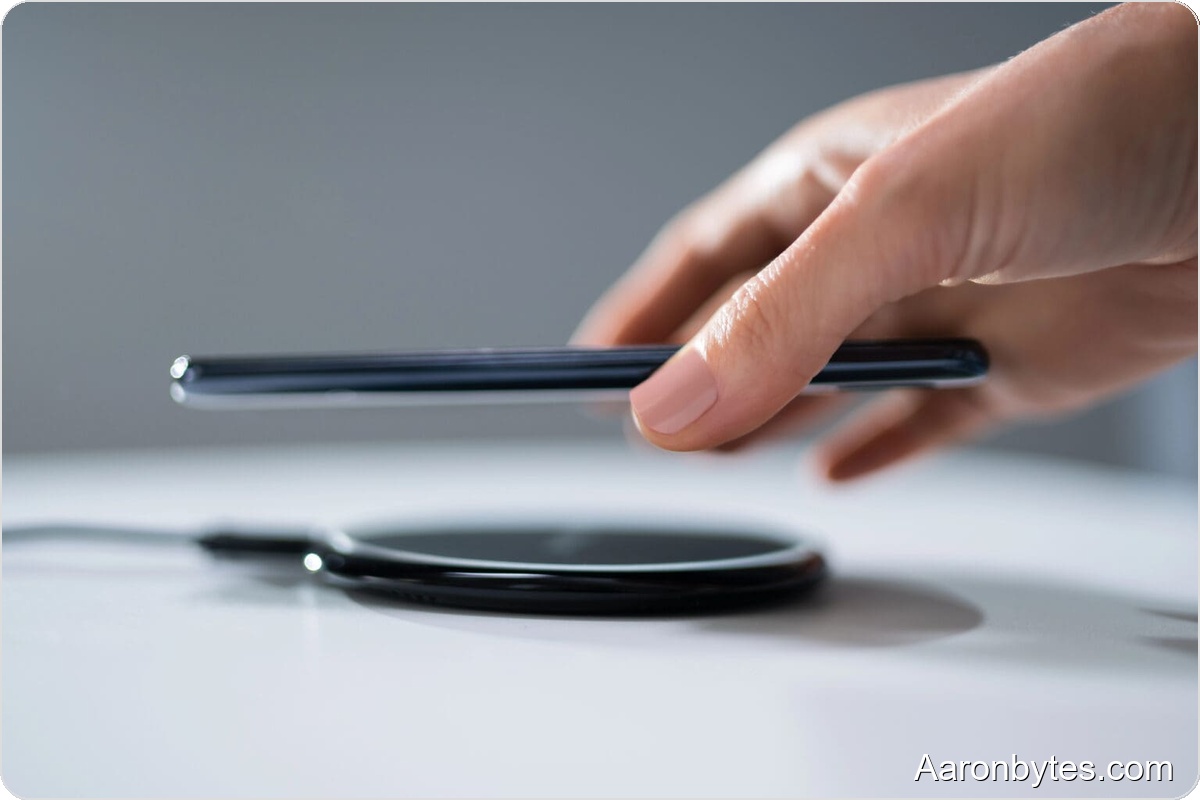
- Place the phone correctly: misaligned coils lose efficiency and produce more heat.
- Remove very thick or metal cases: some covers block energy transfer.
- Avoid heavy use while charging: gaming or recording video on the pad raises temperature.
- Keep a healthy charge range when possible: avoid dropping below 15 percent or keeping the phone at 100 percent for long stretches.
What if my phone doesn’t support wireless charging?
First, double-check the manual to confirm it lacks built-in wireless charging. If it doesn’t, don’t worry. External receivers that plug into the USB port can add wireless charging in minutes.
In these cases, using quality products is even more important to avoid temperature issues.
Does wireless charging affect charge cycles?
No. Charge cycles are determined by the total amount of energy that passes through the battery, not the charging method. One cycle equals using 100 percent of the battery’s capacity, even if that’s made up of several partial charges. Wireless charging does not change that math.
Is this worth worrying about?
Not really. Wireless charging is not an enemy of your battery; extreme heat and poor habits are. With reliable chargers and reasonable precautions against overheating, you can use wireless charging with confidence.
Looking ahead
Wireless charging continues to evolve. New standards like Qi2 promise improved efficiency and reduced heat losses. Some manufacturers are also exploring true long-range wireless charging, which could change how we power devices in the future.
Stay informed about technology updates and follow manufacturer recommendations to ensure safe and efficient wireless charging.