
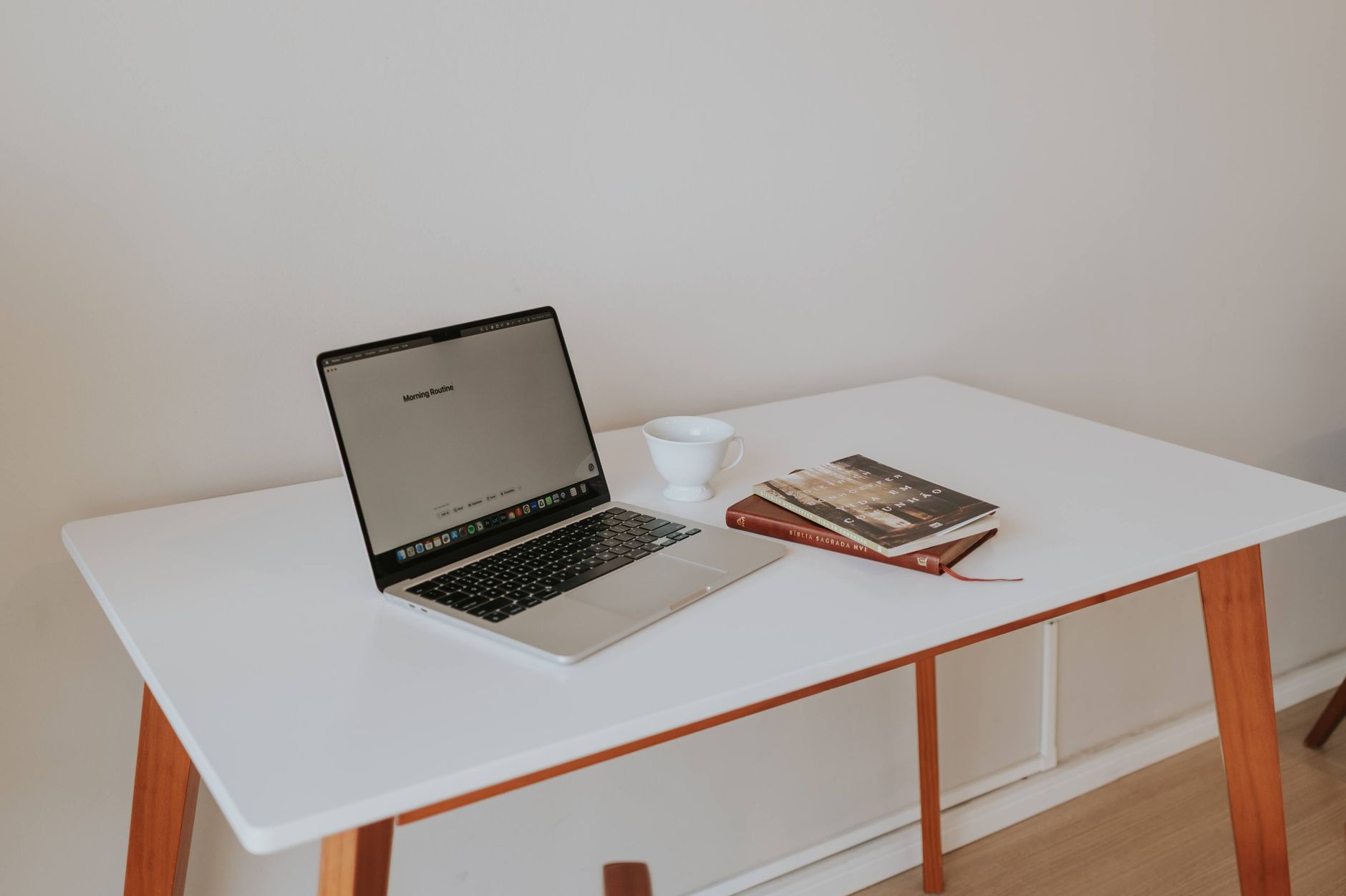
Why Your Workspace Feels Like a War Zone?
Be honest, does your desk feel more like a source of stress than a launchpad for good work? You’re not alone. A 2024 study from the Journal of Environmental Psychology found that workers in optimized home offices reported 23% higher focus and 18% lower stress compared to those in cluttered, poorly lit spaces.
The problem is, most advice on this topic is painfully vague. “Just declutter.” “Add a plant.” It sounds nice, but it doesn’t address the real friction points.
I’ve spent years helping people set up home offices. The difference between a space that drains you and one that fuels deep work usually comes down to a handful of specific changes, not a complete renovation. Let’s walk through what actually works, starting with the simplest moves you can make today.
The Quick Start Fix
Here’s a three-step setup that costs nothing and can transform your afternoon in under ten minutes.
Step One: The Physical and Digital Declutter That Matters
A cluttered desk gives your brain a constant stream of micro-distractions. Every stray paper, every pen that’s in the way, every phone charger draped across the keyboard—they all force your visual system to process things that have nothing to do with work. That uses mental energy you could be spending on what matters.
I worked with a freelance writer who kept a spotless desk. She was proud of it. But when I looked at her computer, she had 47 browser tabs open across three windows. A few were emails she meant to reply to, several were social media sites, and a dozen were half-read articles.
She told me she switched tabs every four or five minutes. The fix wasn’t more cleaning; it was closing everything she wasn’t actively using and installing a tab suspension extension (I use OneTab, which is free). Within a week, her writing output doubled.
The rule: If it’s not relevant to your next task, it doesn’t belong in your field of view. That applies to physical items and digital ones.
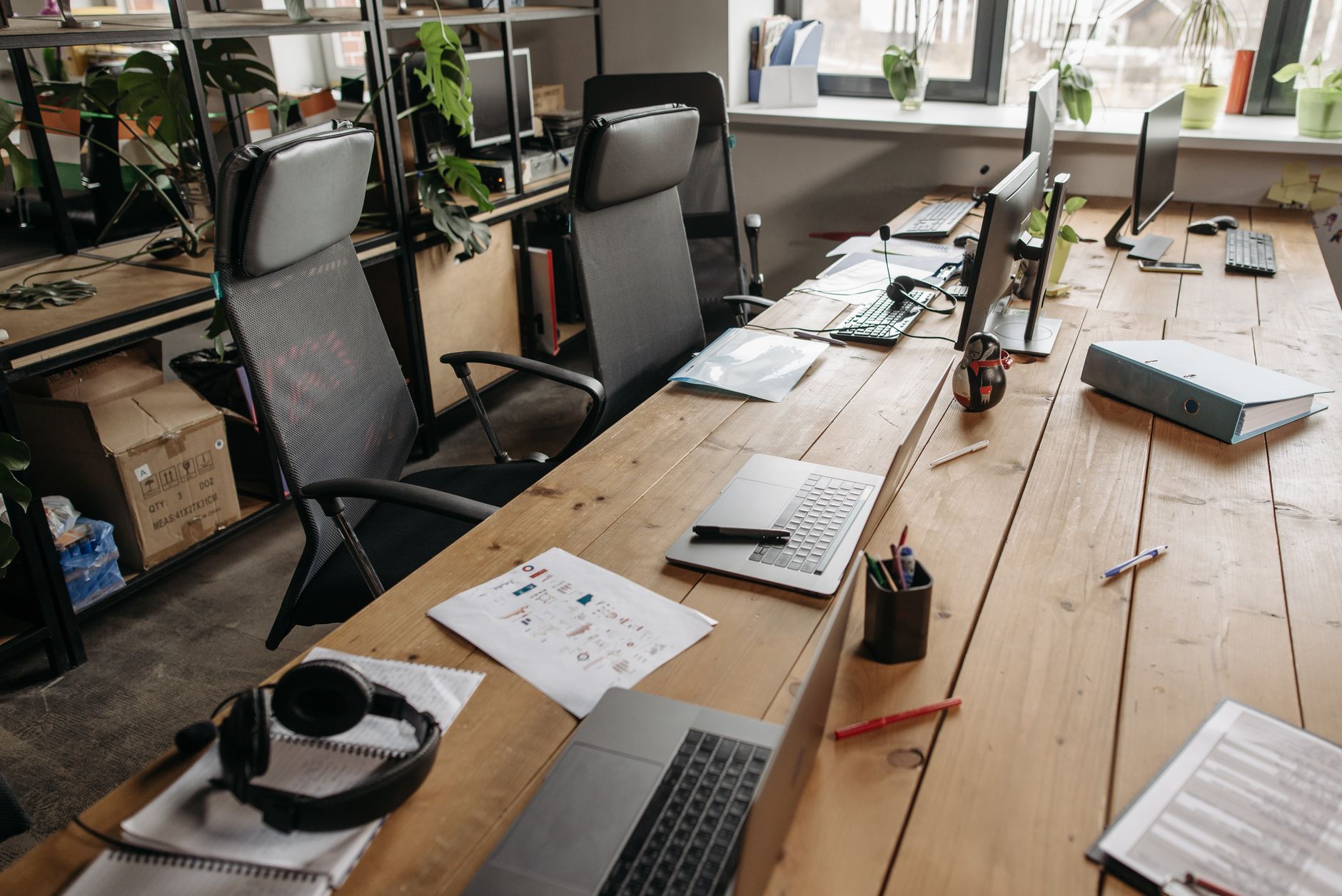
Set Your Body Up for Focus
The video hits on ergonomics, but the practical takeaway is simpler than most people think. You don’t need a $1,000 chair. I sat on a wooden dining chair for three months after moving into a new apartment, and my productivity tanked because I was constantly shifting positions to find comfort.
The critical points are these:
- Monitor at eye level: If you’re looking down, you’ll tire your neck within an hour. Use books, a monitor arm, or a stack of paper to raise the screen. The top of your screen should be level with your eyes.
- Feet flat on the floor: If your chair is too high and your feet dangle, your hips and lower back take the strain. A $10 footrest from IKEA solves it.
- Breaks every 45 minutes: I set a timer. When it goes off, I stand up, stretch my shoulders, and walk to the kitchen for water. Five minutes is enough.
One client complained of wrist pain until we replaced her keyboard with a cheap split keyboard. The pain disappeared in two days. Sometimes the smallest adjustment has the biggest return.
Lighting and Color: The Silent Mood Shapers
Natural light is the gold standard. If you can put your desk next to a window, do it. But most home offices are in corners or basements where the only light comes from an overhead fixture that gives off a sickly yellow glow.
Here’s the fix: buy a desk lamp that lets you adjust color temperature. A 5000K daylight bulb mimics noon sunlight. I switched from my old warm lamp to a $30 daylight LED, and the afternoon drowsiness that used to hit me at 3 PM stopped completely. The harsh white light keeps your brain alert without giving you a headache.
Color also matters more than you’d think. Blue tones are linked to calm focus, green feels balanced, and yellow sparks energy. You don’t need to repaint the room. A blue mouse pad, a green plant, or a yellow photo frame can shift the mood of your desk.
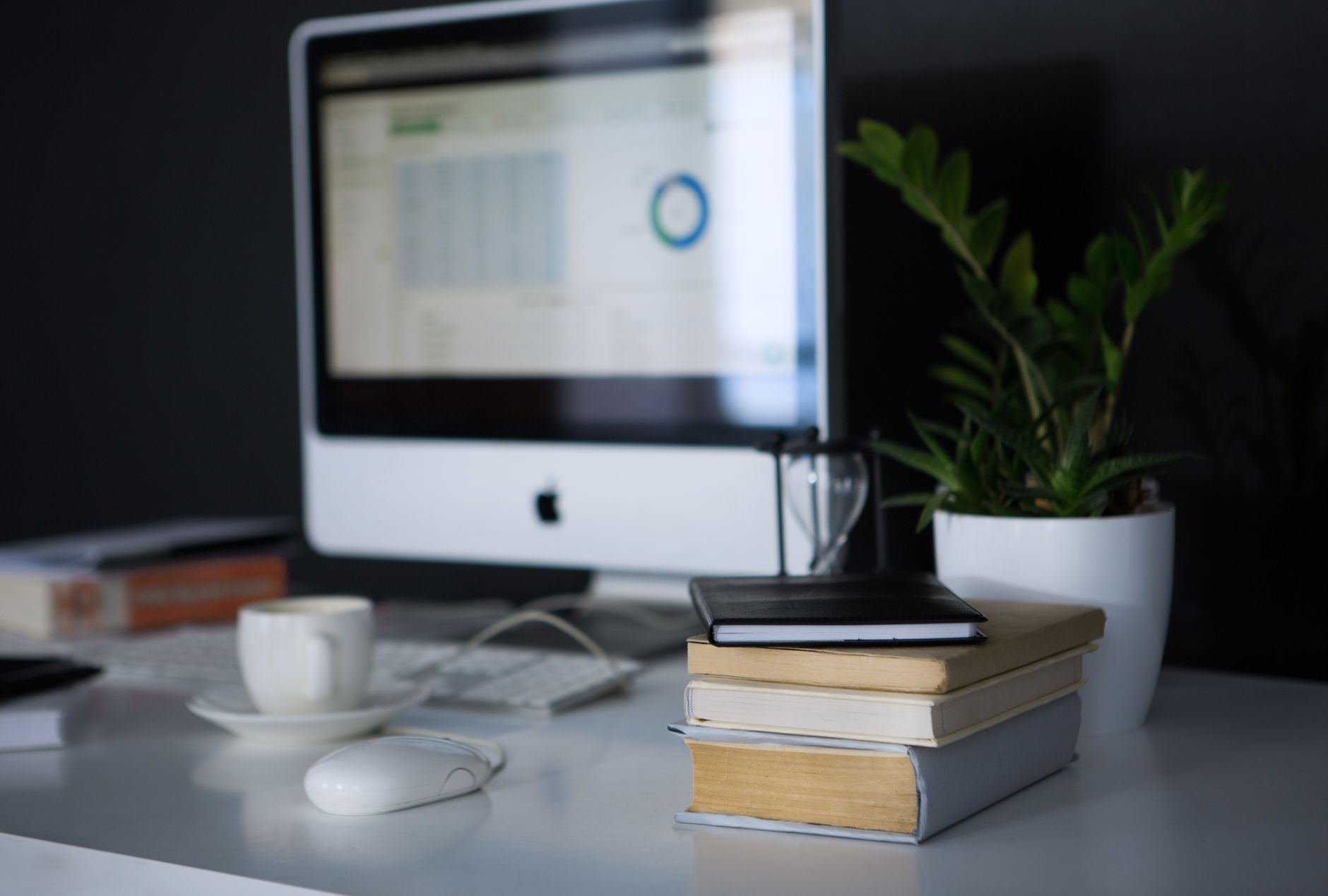
Tame the Noise
Noise might be the biggest distraction for home office workers, especially in apartments. The video mentions sound zoning—creating quiet areas and collaborative areas—but that’s hard when you have one room.
What you can do:
- Wear noise-cancelling headphones. Even a budget pair ($50–$80) blocks conversation-level noise effectively. I use a pair of Anker Soundcore Life Q20s. They’re not perfect, but they reduce street noise by about 80%.
- Use white noise. If headphones feel isolating, a white noise machine or a free app can mask random sounds. I run a rain sound app on my phone when the neighbor starts drilling.
- Reposition your desk. If your desk faces a hallway where your spouse or roommate walks, turn it so your back is to that area. You eliminate the visual cue that someone is approaching, which reduces the instinct to look up.
One friend of mine works in a tiny studio where the washing machine is five feet from his desk. He bought a set of acoustic foam panels ($20 online) and stuck them on the wall behind his monitor. It absorbs some echo and makes the noise less jarring. Crude but effective.
Plants That Work While You Work
The video talks about adding plants, and I agree—but only if you pick the right ones. I killed three succulents before learning that most succulents die in low-light indoor conditions. Instead, go with:
- Snake plant – Thrives on neglect. Needs water every two to three weeks. Handles dim light.
- ZZ plant – Same care level. Glossy leaves are virtually impossible to kill.
- Pothos – Hangs or climbs. You’ll notice when it needs water because the leaves droop.
I have a snake plant on my desk and two pothos on a shelf. They don’t just look nice—they help absorb some VOCs from electronics. But more importantly, they give my eyes something soft to rest on when I look up from the screen. That micro-downtime helps reset focus.
Digital Boundaries: Stop Letting Notifications Run Your Day
Every notification pulls you out of deep work. The research suggests it takes 23 minutes to fully re-enter a focused state after a single interruption. Yet most people keep their phone on the desk, pinging with messages.
My system is simple: I batch everything. I check my email at 10 AM, 2 PM, and 4 PM. I turn off Slack notifications for an hour during my most productive block (9–10 AM). For urgent messages, I ask people to call my phone. That rarely happens.
I also use the Freedom app to block social media and news sites during work hours. It costs about $4 per month, but the free trial is enough to see the difference. Another option is the built-in Focus mode on iOS or the equivalent on Android.
One thing the video doesn’t mention: use keyboard shortcuts aggressively. Every time you reach for your mouse, you break flow. Learning to switch tabs, open apps, and close windows with keyboard shortcuts saves seconds that add up to minutes—and keeps you in the zone.
Your Tiny Escape Zone
The video introduces the concept of a “small escape”—a corner of your home where you can go to reset. I ignored this for years. My office was just a desk and a chair. When I hit a mental block, I stayed at the desk and stared at the screen, getting more frustrated.
Then I moved an armchair into the corner of the room. No phone, no laptop—just the chair and a small lamp. When my concentration breaks, I sit there for five minutes with my eyes closed or look out the window. It lets my brain disengage from the task without having to leave the room entirely. The result: I come back with a clearer head and often a new angle on the problem.
If you don’t have space for a chair, use a window ledge or a floor cushion. The point is to have a spot that is not your desk and not associated with work. It’s a permission signal for your brain to take a real micro-break.
The Boundary Rule: Protect Your Space from Other People
The video touches on delegation and saying no. That applies outside of work, too. If you share your home office space with family or roommates, you need to set explicit rules.
I had a coaching client who worked from home while his wife watched TV in the same room. He couldn’t focus. We agreed on a simple system: during his work hours, she would wear headphones. He posted a small sign on the door that says “Deep Work – Check Back at 30 or Text Me.” It feels awkward at first, but it works.
The same goes for your own boundaries. Don’t let yourself drift into chores or laundry during work hours. Close the door—figuratively or literally—and treat those hours as sacred.
Frequently Asked Questions
I live in a small apartment with no separate room for an office. How do I create a distraction-free zone?
Use a folding room divider or even a tall bookshelf to create a visual barrier between your desk and the rest of the room. Face your desk toward a wall, not the door or window. Noise-cancelling headphones are almost mandatory. And keep your desk physically separate from eating or sleeping areas so your brain associates that corner with work only.
What plants can survive in a low-light home office?
Snake plant, ZZ plant, pothos, and peace lily are the most forgiving. They tolerate dim corners and irregular watering. Avoid succulents or cacti—they need direct sun and will die within weeks in a typical home office.
The video says good posture matters, but I can’t afford an expensive ergonomic chair. What should I do?
Use what you have. Raise your monitor to eye level with books. Add a lumbar support cushion ($15–$30) to your existing chair. Make sure your feet rest flat—use a box or phone book as a footrest. Take breaks every 30 minutes to stand and stretch. Budget adjustments can fix 90% of ergonomic issues.
I clear my desk every morning, but it’s a mess by noon. How do I keep it clean?
Implement a 5-minute end-of-day reset. Before you log off, put everything back in its place. Limit your desktop to only the items you used that day. Store pens, chargers, and notebooks in a drawer or a small caddy. If you don’t train yourself to put things away immediately, clutter will win every time.
A distraction-free home office isn’t about perfection. It’s about removing the friction points that pull you out of flow, one adjustment at a time. Start with the quick fix at the top of this guide. That alone will change how your afternoon feels.